Case Solutions and Fine Tuning
Display the player in a specific area on the screen (for LED screens)
I want a smooth fade-out effect at the end of the video and a smooth fade-in effect at the beginning of the video.
I want to add a custom splash screen at player startup or when there is no content
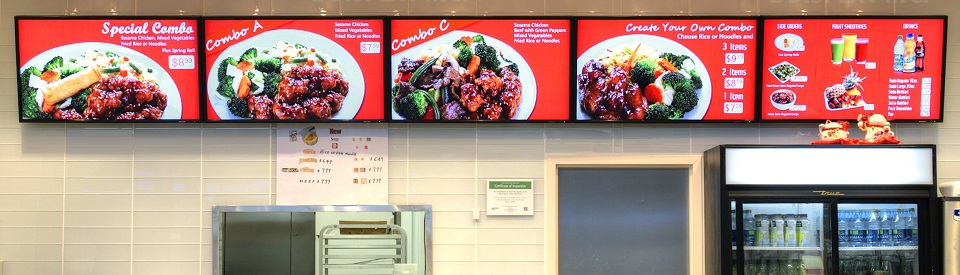
Display across multiple screens like this.
- My application is running.
- I want videos to play in the Oohdesk CMS player, but when I touch the screen, the Oohdesk CMS app minimizes and my application appears.
- I have an application and want to send commands to the Oohdesk CMS player from it: "minimize/restore".
- I have a POS system with two displays. I want the customer-facing screen to show ads and simultaneously display the printed receipt.
- The computer/player needs to reboot twice a day.
- I want to show weather, news, and video on the screen simultaneously.
Hotkeys
- CTRL + N - open graphic configurator
- CTRL + R — reset settings and reactivate the application
- Latin “C” or Russian “С” - show/hide the log console
- Latin “A” or Russian “Ф” — minimize the application
- ALT + F4 — close the application